Release 1.95 (Tech Release 1.108)
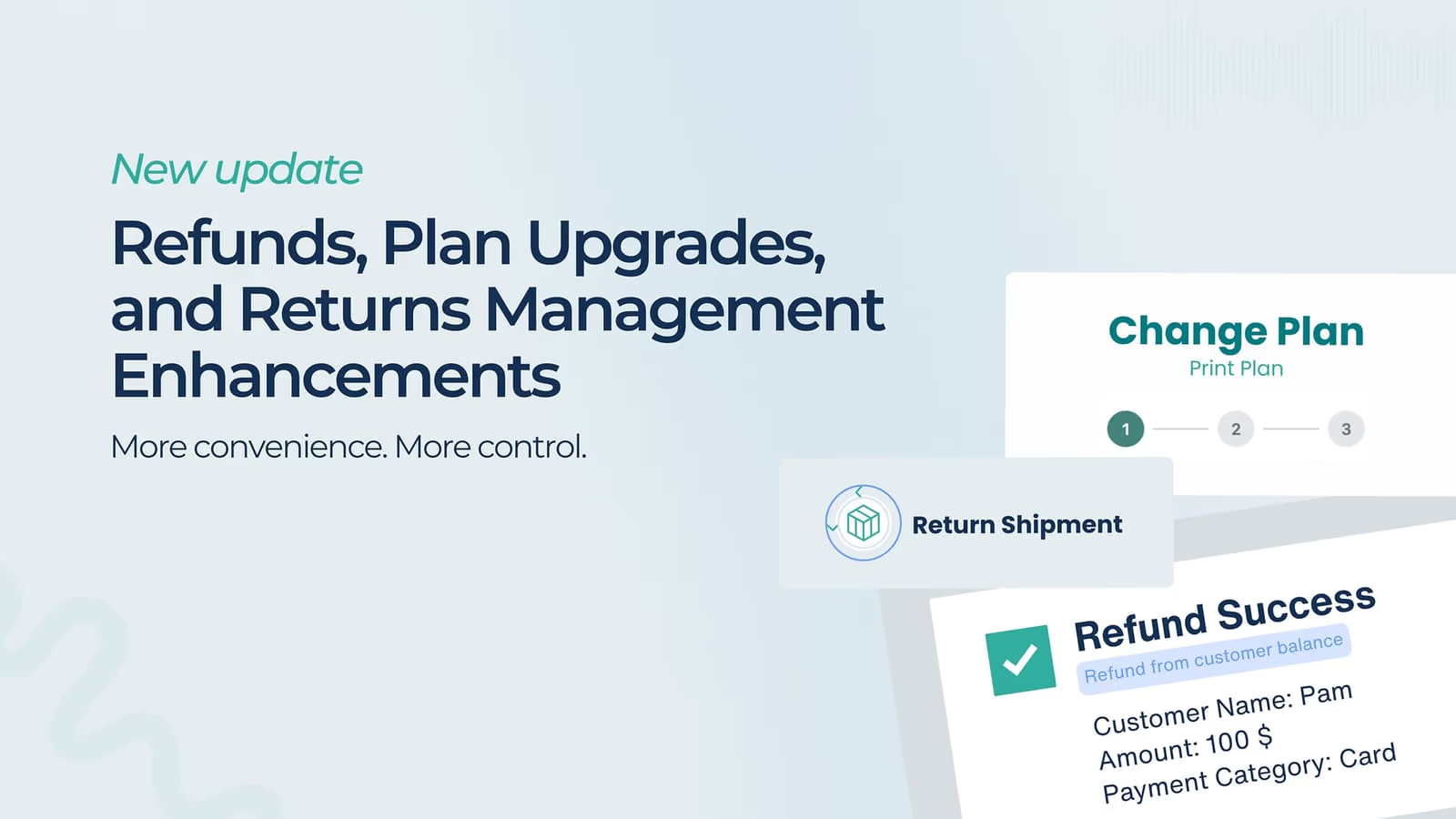
🟢 Platform: Refund Customer Balances Directly to Original Payment Cards
You can now refund customer balances directly to their original payment cards — streamlining refund workflows and eliminating the need for manual intervention or external processing.
✅ What’s New
-
Added support for refunding payments originally credited to a customer balance back to their card.
-
The “Refund” button now appears for eligible payments directly in the Admin Dashboard.
-
Supports full or partial refunds, up to the original charge amount.
-
Refunds are processed via the same payment method and gateway as the original transaction.
💡 Why It Matters This enhancement reduces refund handling time, ensures accounting accuracy, and delivers a smoother refund experience for both customers and administrators.
🟢 Default UI: Self-Serve “Switch Plan” Experience for Subscribers
Subscribers can now upgrade their plans directly through a self-serve interface, allowing them to explore and switch to higher-tier products without contacting support — improving upsell opportunities and customer autonomy.
-
Added a “Switch Plan” button to the subscriber dashboard for all active subscriptions.
-
Displays only eligible plans with an equal or higher amount than the current plan.
-
Subscribers receive immediate confirmation (“You’ve successfully upgraded to Plan X”).
-
Updated plan details are reflected instantly in the user’s account.
💡 Why It Matters This update empowers subscribers to manage their own upgrades, reducing support overhead and driving faster conversions to higher-value plans — all through a seamless, intuitive interface.
🧩 Available now in the latest React Elements version. Please reach out to [email protected] to upgrade to the newest UI.
🟢 Platform: Introduce Returns Management for Fulfillments
Pelcro now supports **tracking and managing fulfillment **returns directly within the fulfillment workflow — giving collaborators full visibility into returned quantities, reasons, and history for each shipment.
-
New Returns Section under Subscription → Fulfillments displaying:Returned QuantityReason for Return (optional)Creation Date and User
-
Introduced a “Process Return” option in the Fulfillment section — accessible via the three-dot menu on each shipment.
-
Built-in validation ensures users cannot return more items than were originally delivered.
💡 Why It Matters This enhancement introduces a structured and auditable way to manage product returns — improving operational accuracy, reducing manual tracking, and ensuring that fulfillment data remains consistent across the platform and reporting.